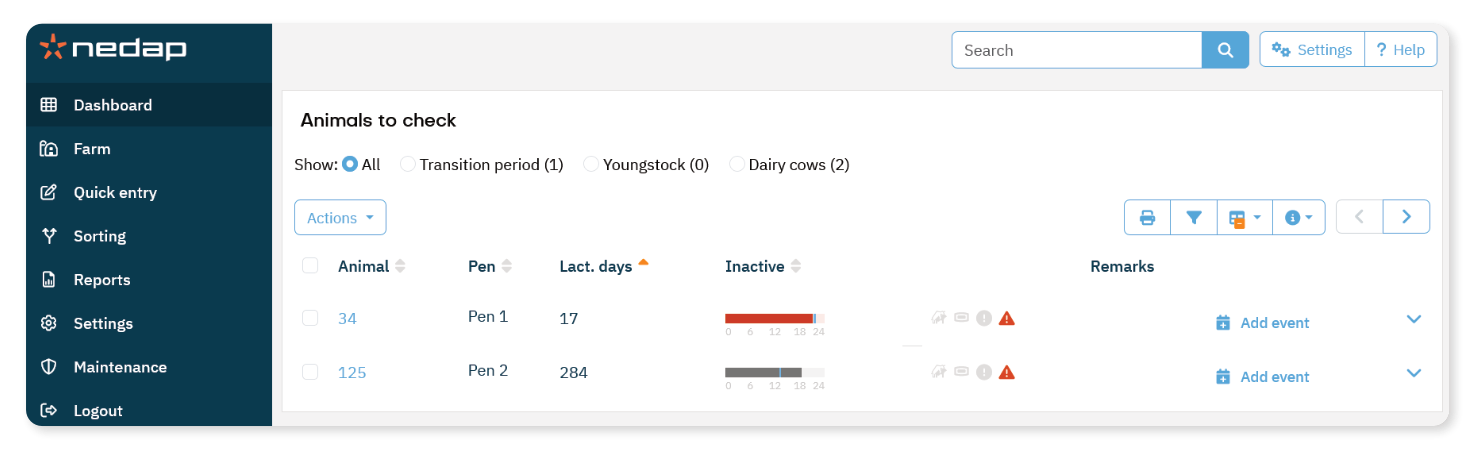
The Animals to check page shows animals with behavior changes that may indicate a health issue. Include these attentions in your daily health routine. Check the list at least twice a day.
Review and handle an Animal
On the Dashboard, look at the Animals to check tile.
If animals have an attention, select Show attentions.
Review the Inactive time and any icons shown next to the animal number.
Select the arrow icon to view detailed activity pattern.
Check the animal in the barn and assess its condition.
Follow your farm’s health protocol.
Record your findings:
You can record your diagnosis in your connected herd management program or directly in Velos.
For more information about interpreting the list and the inactive bar, see Understand the Animals to check page.
