Use production groups to organize animals based on farm-specific criteria, such as production stage, reproduction stage, or days in lactation.
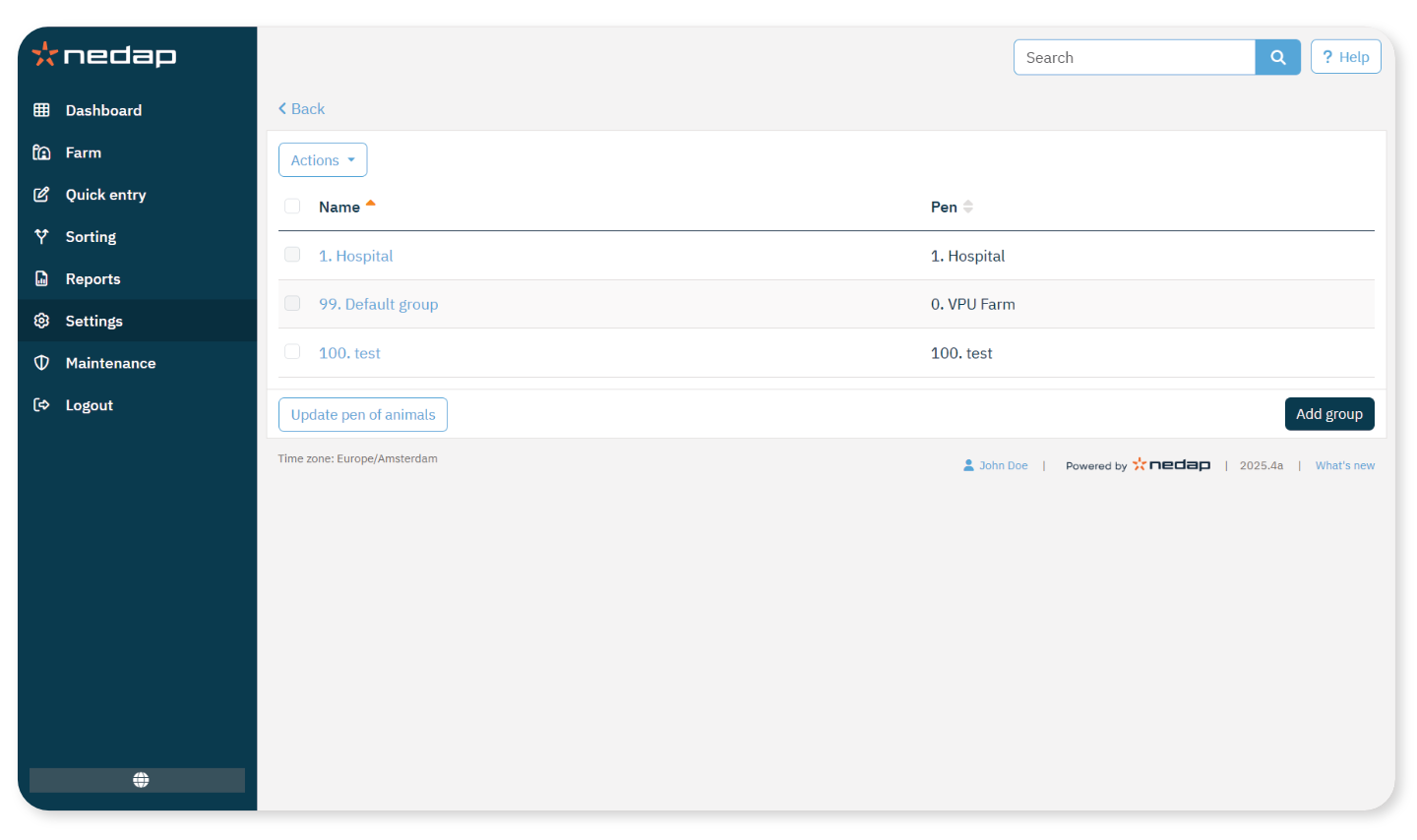
The system includes one default production group: Default group 99.
Add a Production Group
Depending on whether you have a Farm Management System (FMS), you have to add production groups in a different way.
Without a Farm Management System
- Select Settings from the menu.
- Under Farm, select Production groups.
- Select Add group.
- Enter a Number and a Name.
- Choose a pen for the production group. Choose either:
- An existing pen.
- Create a new location: This creates a pen with the same name as the created production group.
- Select Submit.
With a Farm Management System
- Run the Farm management system and check on this page if the production groups are exactly how the animals are housed.
- Are the groups exactly the same as they are housed? No further action is needed. The group will automatically update in Velos when an animal moves to another group.
- Are the groups not how the animals are housed (for example, multiple production groups are housed together), go to step 2.
- Merge the production groups into bigger groups of animals that are housed together. Select the production group that should be merged with one or more other production groups. If necessary, change the name of the production group.
- In the field Group, select one of the locations where these animals are housed and select Submit.
- Repeat for all production groups that should be merged with other production groups.
- Select Settings from the menu.
- Under Farm, select Farm layout and remove the pens that are not in use. If necessary, rename the pens that are used.
The pen will automatically update in Velos when an animal moves to another pen.
NoteThe production groups from the farm management system will override the pens in the Farm layout.
Update Pen of Animals
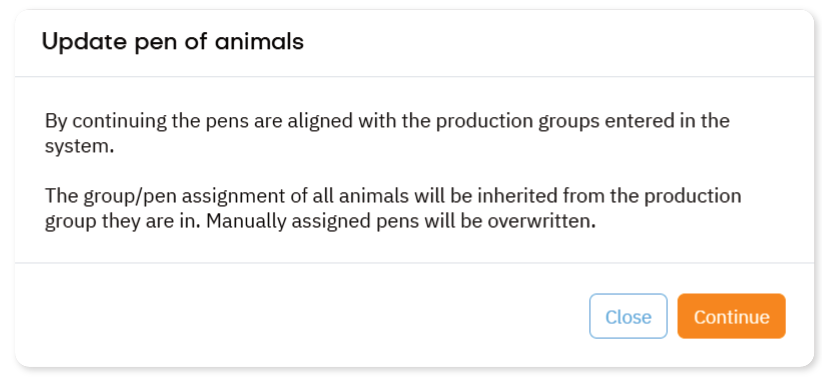
When using a Farm management program and you changed the pens of the animals (manually) by accident, you can reset the pen for all animals at the same time with the Update pen of animals button. Velos then changes the pen to the production group of the animal. This is typically used on farms where the production group matches the pen.
NoteThis option is not applicable for systems without a Farm management system. When the pen of an animal must be corrected, change it manually.