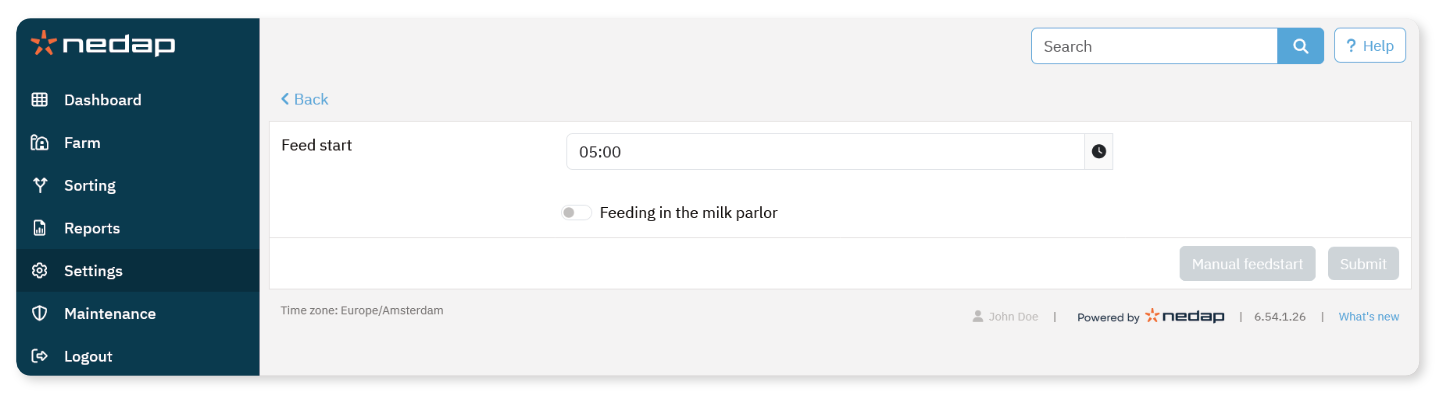
If part of the daily feed amount must be dispensed during milking, you can activate Feeding in the milk parlor.
Requirements
The following must be installed and configured:
Identification in the milk parlor
Reader motor control (V-pack)
Behavior Component In parlor feeding
Activate Feeding in the Milking Parlor
Select Settings from the menu.
Under Feeding, select Feed settings.
Enable Feeding in milk parlor.
Select Submit.
Define the Feed Amount in the Milking Parlor
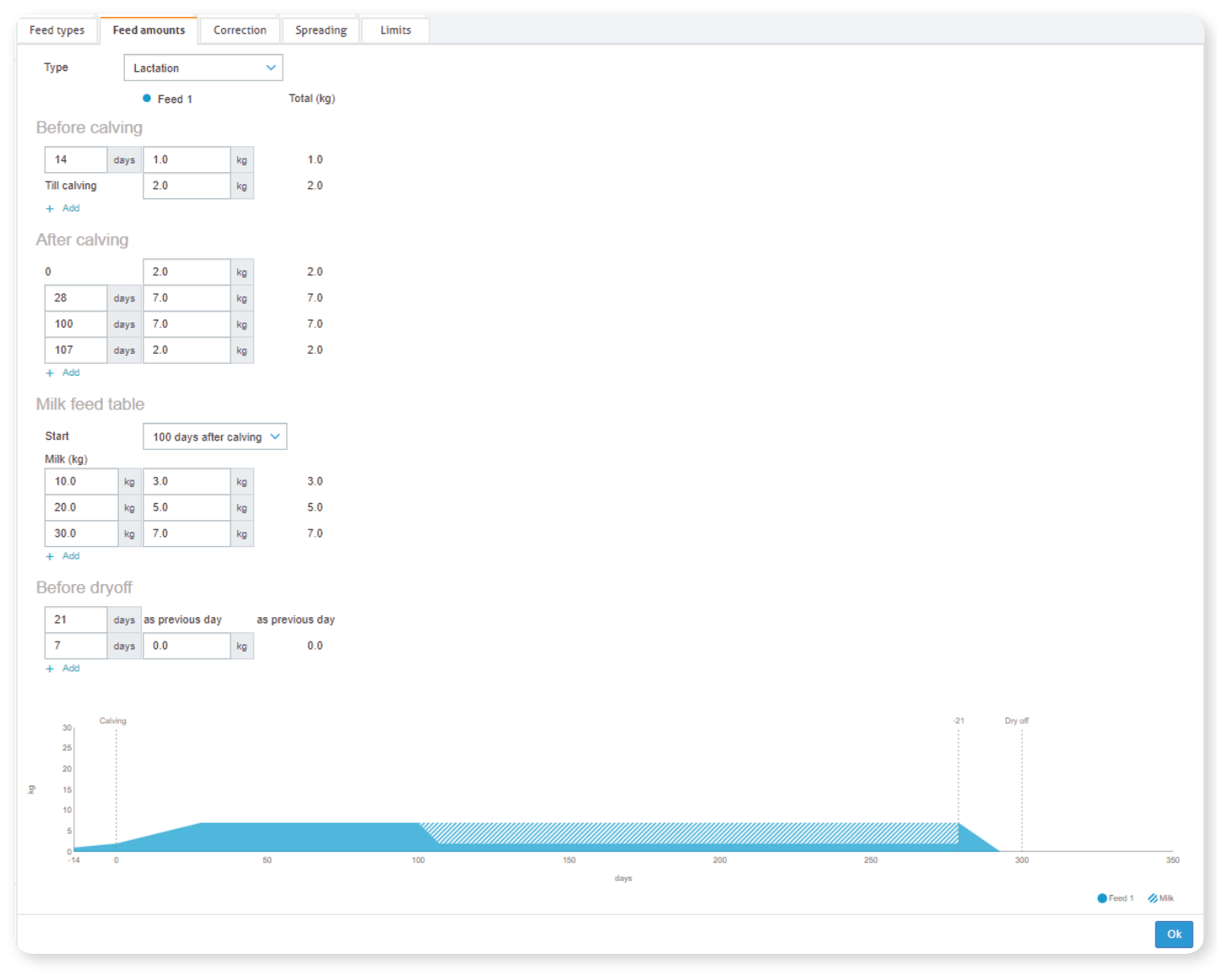
You can define how much of the total daily feed amount must be dispensed during milking.
The defined amount is divided across all milking sessions per day.
Select Settings from the menu.
Under Feeding, select Feed plans.
Select the feed plan.
Open the Feed amounts tab.
In the field Enabled, select % or kg.
In Of which in parlor, enter the amount that must be fed during milking.
Select Ok.
NoteThe feed dispensed in the milk parlor is part of the total daily feed amount. Make sure the configured limits and spreading support the defined in-parlor amount.
