You can view detailed animal information via Animal details page. Use the search field to quickly access data for a specific animal.
To see the all animals in a pen, see View Animals in a Pen.
Search for an Animal
- Select the Search field at the top of the screen.
- Enter the animal number.
- Press Enter or select the search icon.
Use the Animals Details Page
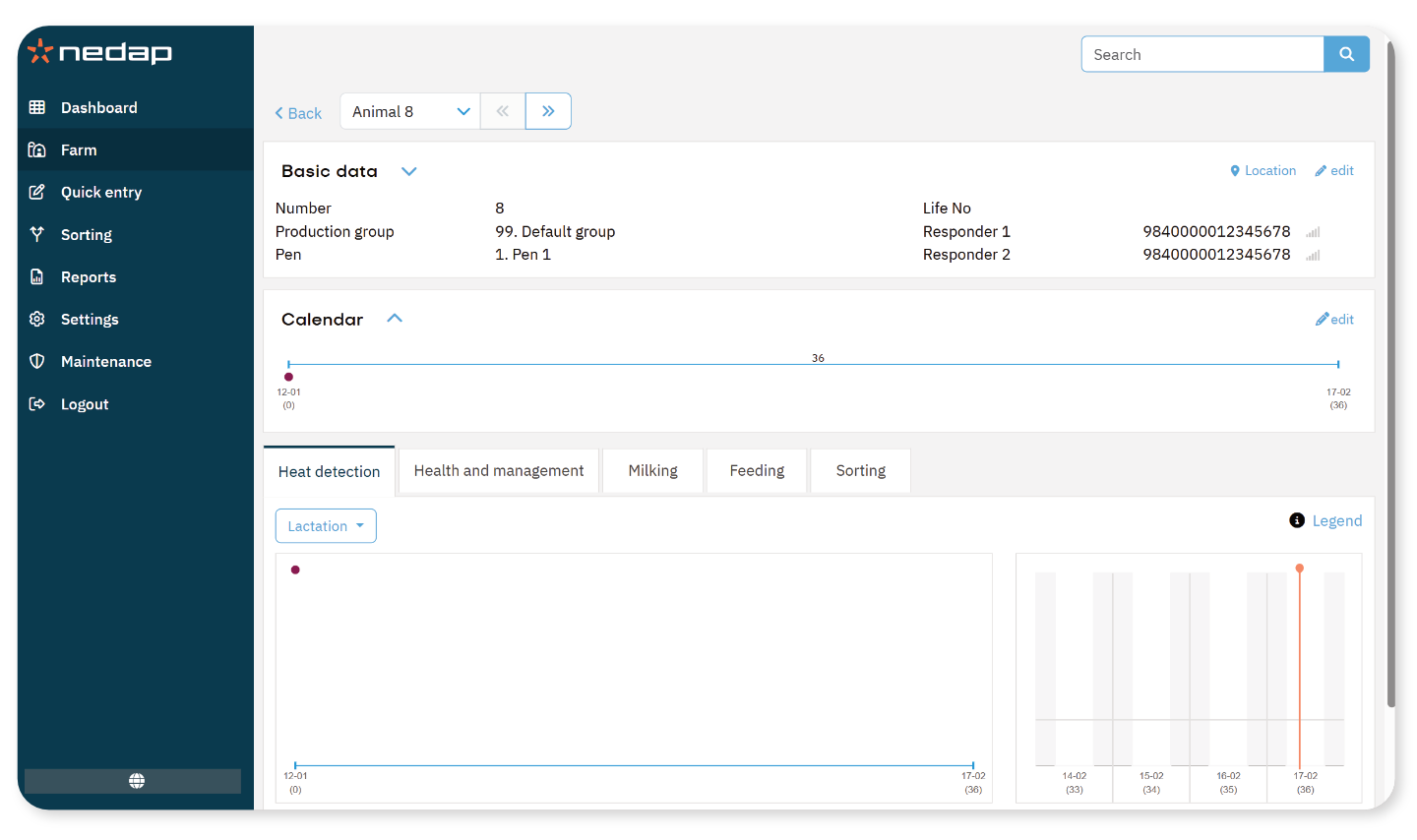
On the Animal details page, you can view:
- Basic data: Animal number, production group, life number and responder (SmartTag) numbers.
- Calendar: Key events such as calving and inseminations.
- Tabs: Heat detection, health, milking, feeding and sorting (depending on your licenses).
Actions You Can Perform
On the animal's details page, you can:
- View health, reproduction, milking, feeding, and sorting data.
- Move the animal to a different pen or production group.
- Change the responder) (SmartTag) number(s).
- View the animal’s location (Cow Locating license required)
- Delete the animal from the system.
