The Feeding tile on the Dashboard shows feeding-related attentions.
Use this tile to quickly see whether animals require attention.
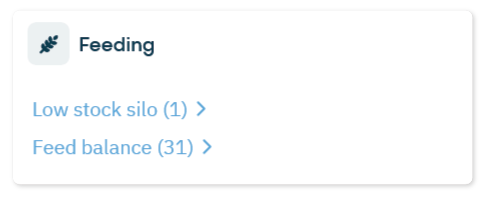
What You See on the Tile
The Feeding tile shows the following attentions:
Feed Balance Attentions
A feed balance attention appears when an animal has not consumed enough feed based on the configured thresholds.
See which animals are affected
Review today’s and yesterday’s feed balance
Open detailed feed history per animal
For detailed handling instructions, see Handle feed balance attentions.
Low Stock Silo
A low stock silo attention appears when the remaining stock reaches the configured attention threshold.
Check the silo level and update the stock in Settings > Feeding > Silos if needed.
