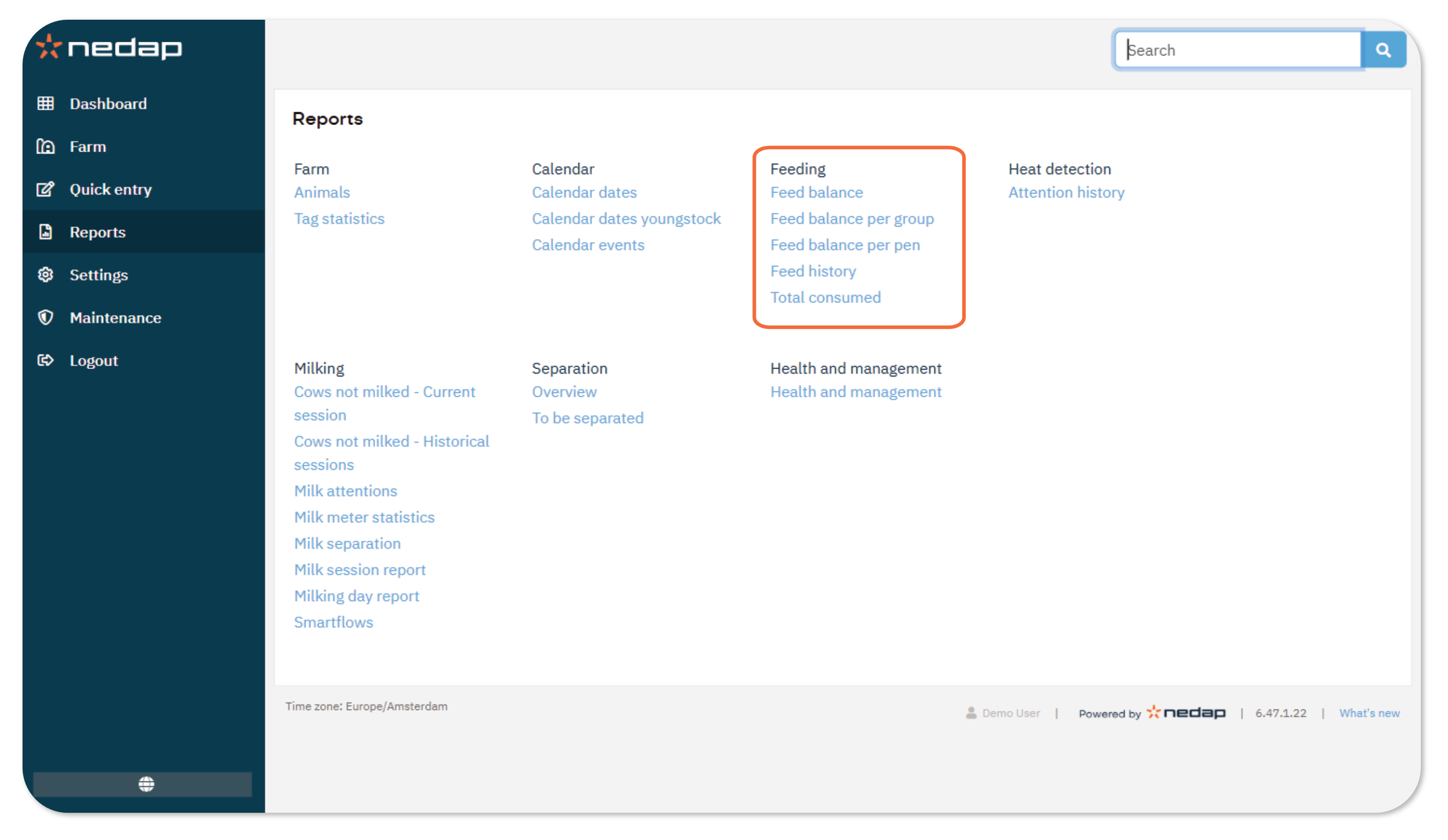
Velos provides several feeding reports to help you monitor feed intake, detect deviations, and evaluate feeding performance.
You can open and review reports at any time. In each report, you can filter, sort, export, or print the data.
There are 8 types of reports:
- Feed balance: Lists animals that have not eaten their allocated feed based on selected thresholds.
- Feed balance per group: Shows feed totals and feed balances per production group.
- Feed balance per pen: Shows feed totals and feed balances per pen.
- Feed history: Displays feed balance trends per animal over multiple days.
- Total consumed: Shows the total feed consumed per animal and per feed type.
Actions Available in All Reports
In any report, you can:
- Filter data to focus on specific entries.
- Sort data to organize by value.
- Export to CSV, Excel or PDF for offline analysis.
- Print a formatted version of the report.
