An Urgent attention appears when an animal shows abnormal behavior for too long. This indicates a serious health issue.
Urgent attentions require immediate action. Prioritize handling these animals as soon as possible.
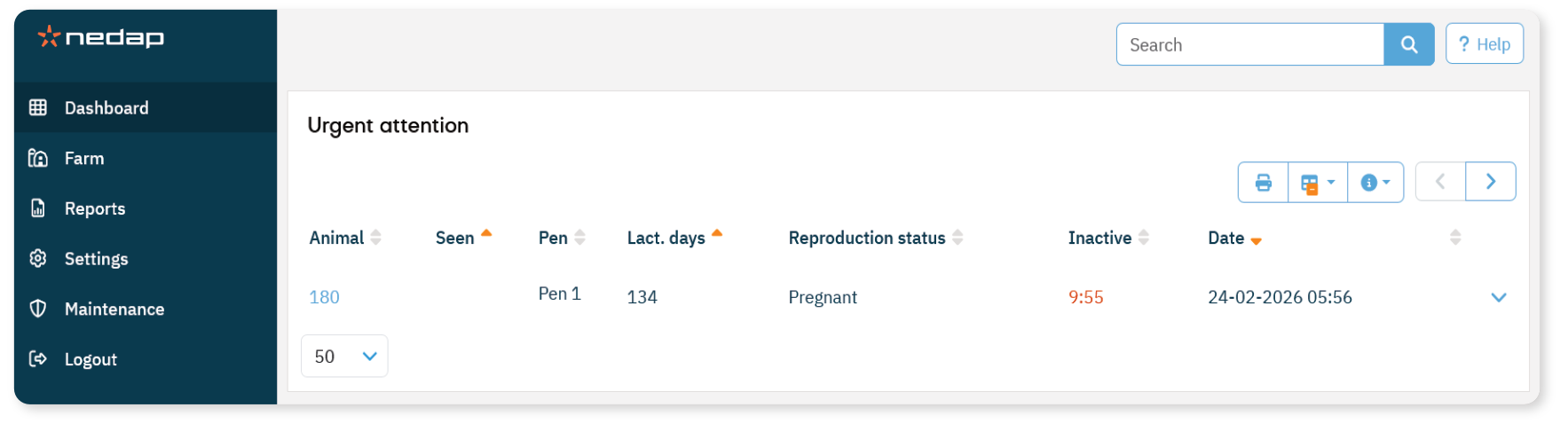
Handle animals with an Urgent Attention
- On the Dashboard, check the Urgent attention tile.
- If animals have an urgent attention, select Show attentions.
- Review the behavior values shown in the list.
Select the arrow icon to view the detailed activity pattern.
Check the animal in the barn as soon as possible.
If you have a Cow Locating license:
Follow the farm's health protocol.
After checking the animal, select Actions > Seen
(Optional) Record your findings:
NoteMarking an urgent attention as Seen does not remove it from the Dashboard or the list.
As long as inactive behavior continues, the urgent attention remains visible.
