You can apply a temporary correction to a feed plan. Use this option when feed requirements change suddenly, for example due to weather conditions or changes in intake.
A correction affects all animals assigned to the selected feed plan.
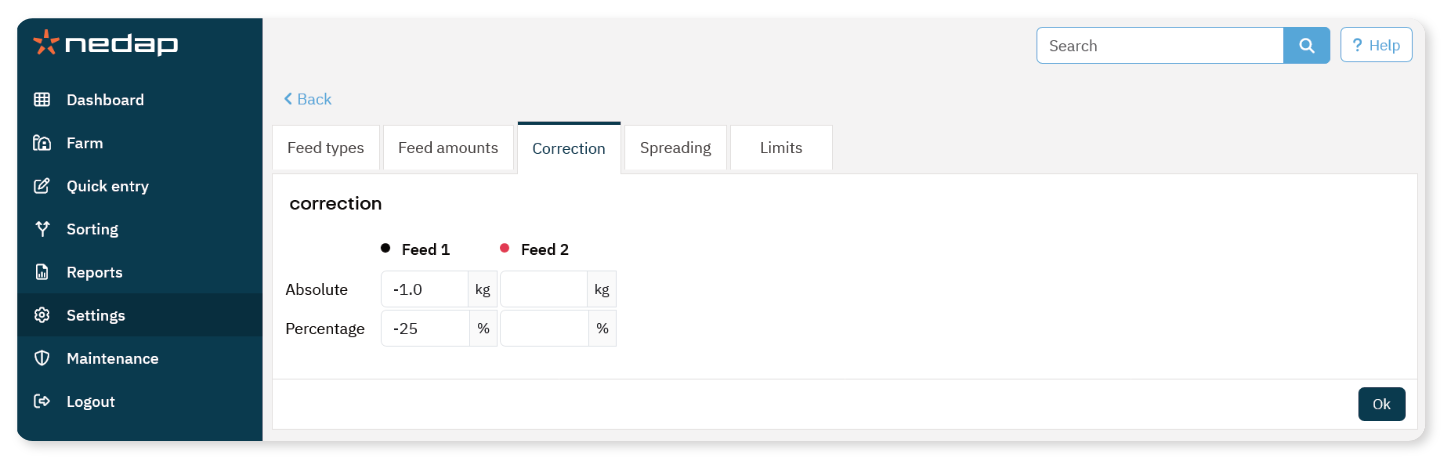
Apply a Correction
Select Settings from the menu.
Under Feeding, select Feed plans.
Select the feed plan you want to adjust.
Open the Correction tab.
Select the correction type:
Enter the correction value per feed type.
Select Ok.
The correction becomes active after the next feed start.
Example
If the current daily feed amount is 4 kg:
NoteCorrections are applied to all animals in the selected feed plan.
Use corrections carefully to avoid underfeeding or overfeeding.
