Pen Accuracy with SmartSort identifies animals that pass through the sorting gate with a different milking group than expected. Use this information to check possible pen mismatches and find animals that may be in a different pen.
Requirements
Pen Accuracy works with SmartSort Ear and SmartSort Neck. SmartSort must be linked directly to Nedap Now.
How It Works
As animals leave the milking parlor, SmartSort checks the pattern of animals passing through the sorting gate. If an animal passes through the gate among animals assigned to another pen, Nedap Now identifies a possible pen mismatch and adds the animal to the On different location worklist.
For example, an animal assigned to pen 2 passes through the gate among animals assigned to pen 1. The animal may return to pen 1 with that group.
What You See on the Dashboard
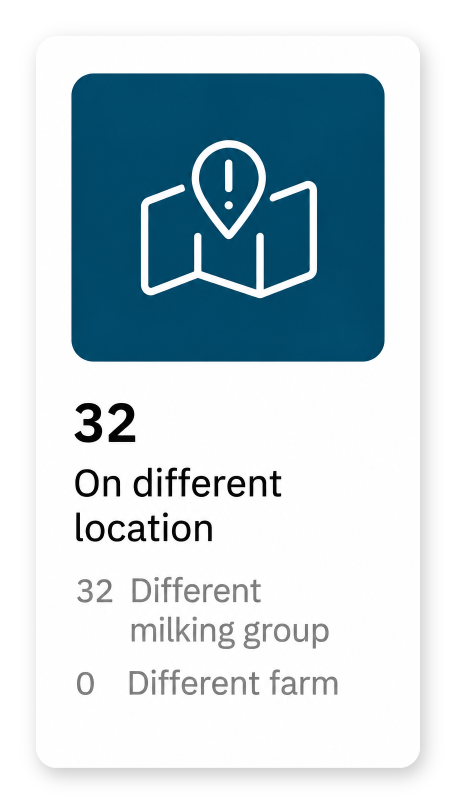
The On different location tile shows the number of animals with a Different milking group attention. Select the tile to review the animals.
Tabs Overview
- Active: Animals with a current location attention.
- Past week: Animals whose location attention was handled. Review Handled by, Action, and Finished to see how and when the attention ended.
An attention can also end automatically. For example, an animal that no longer passes through the gate, such as a dry cow, is removed from the active list after a period without detection.
How to Interpret the Data
On the Active tab, review these columns:
- Pen and Pen name: The animal's assigned pen.
- Detected at pen/farm: The location indicated by the detection. For a Different milking group attention, this is the pen associated with the detected milking group.
- Reason: Why the animal is on the list. Pen Accuracy attentions show Different milking group.
- Last detected: The date and time of the latest detection.
- Added: The date and time the animal was added to the worklist.
Use the detection time when checking where to look for the animal. The animal may have moved since that detection.
Location Warnings in Other Views
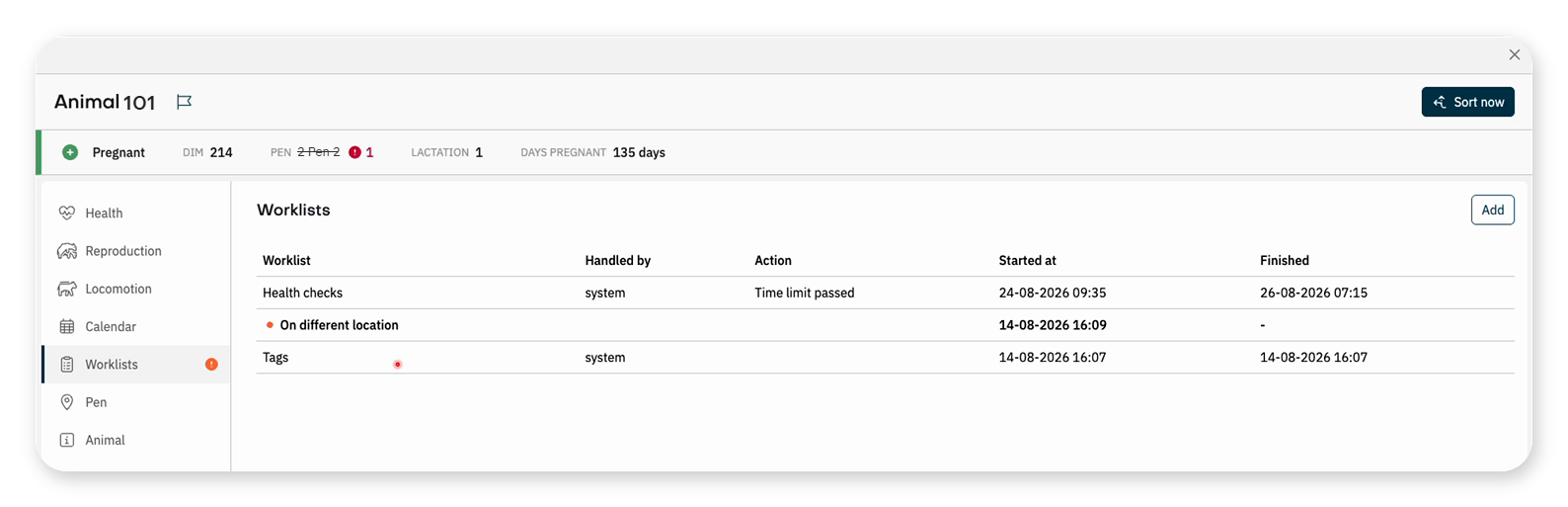
The animal details and other worklists also show location warnings. The assigned pen is crossed out, and the indicated pen appears in red with an exclamation mark. Use this warning when looking for an animal for another task, such as insemination or a health check.
In the animal details, select Worklists to see the animal's On different location attention and when it started.
Other Overviews
- Pen analytics in the Herd app: Compare the numbers of assigned, detected, correct, extra, and missing animals per monitored pen. Check Last updated when reviewing the numbers.
- My worklists in the Worklist app: Create an overview for a specific situation. For example, combine On different location = Yes, Pen = pen 3, and Last detected at pen = pen 2 to find animals assigned to pen 3 but detected with pen 2's group. These pen numbers are example values.
