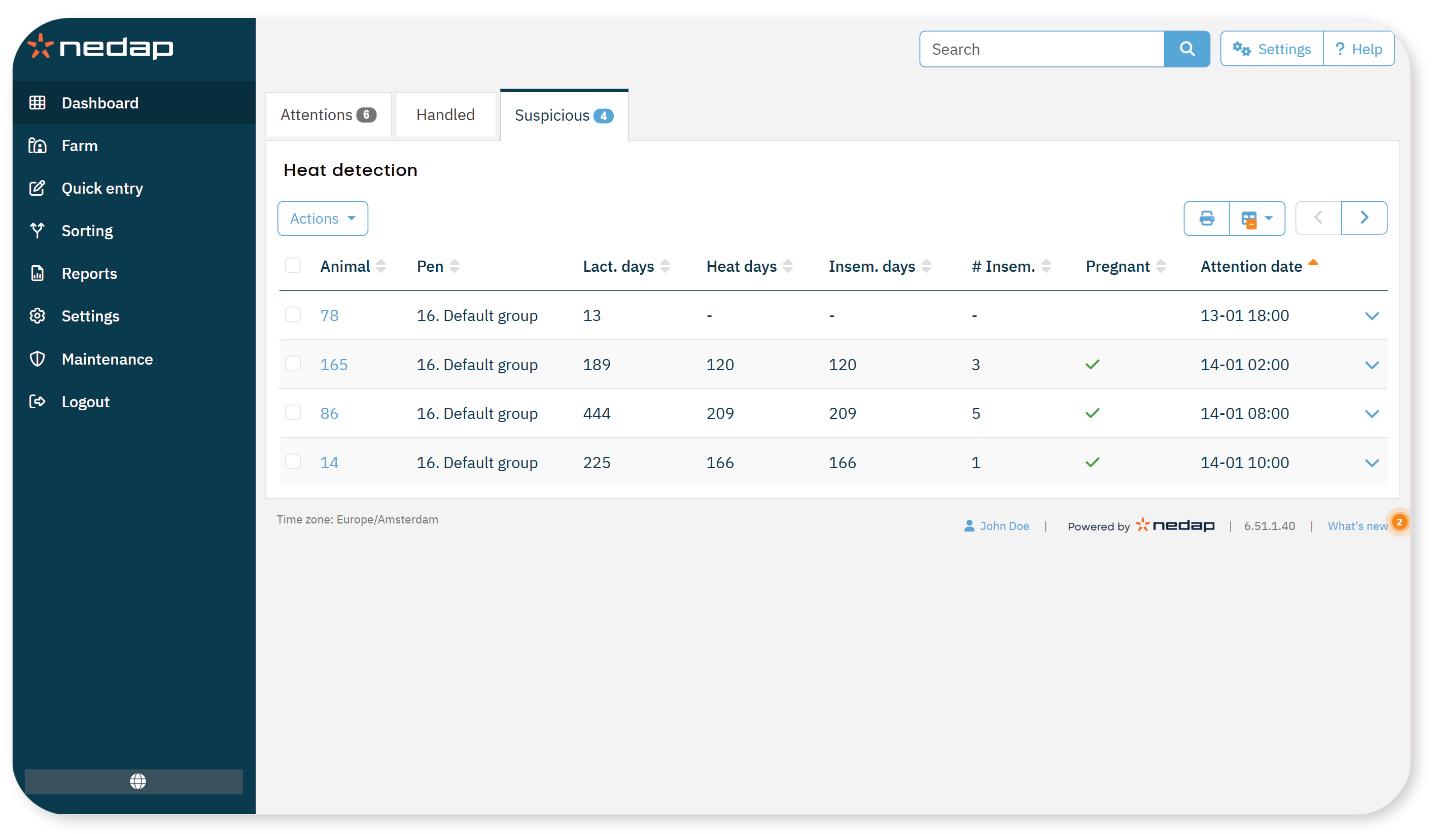
The Heat Attention page shows animals that are in heat, handled, or likely to come into heat. You can use this page to plan actions, such as insemination, and record these actions in Velos.
The heat detection page consists of three tabs: Attentions, Handled and Suspicious.
Attentions
This tab shows a list of animals in heat which require attention. You can perform actions for one animal or for multiple animals at once. Bulk actions offer fewer options than individual actions.
After you perform an action, the animal moves to the Handled tab.
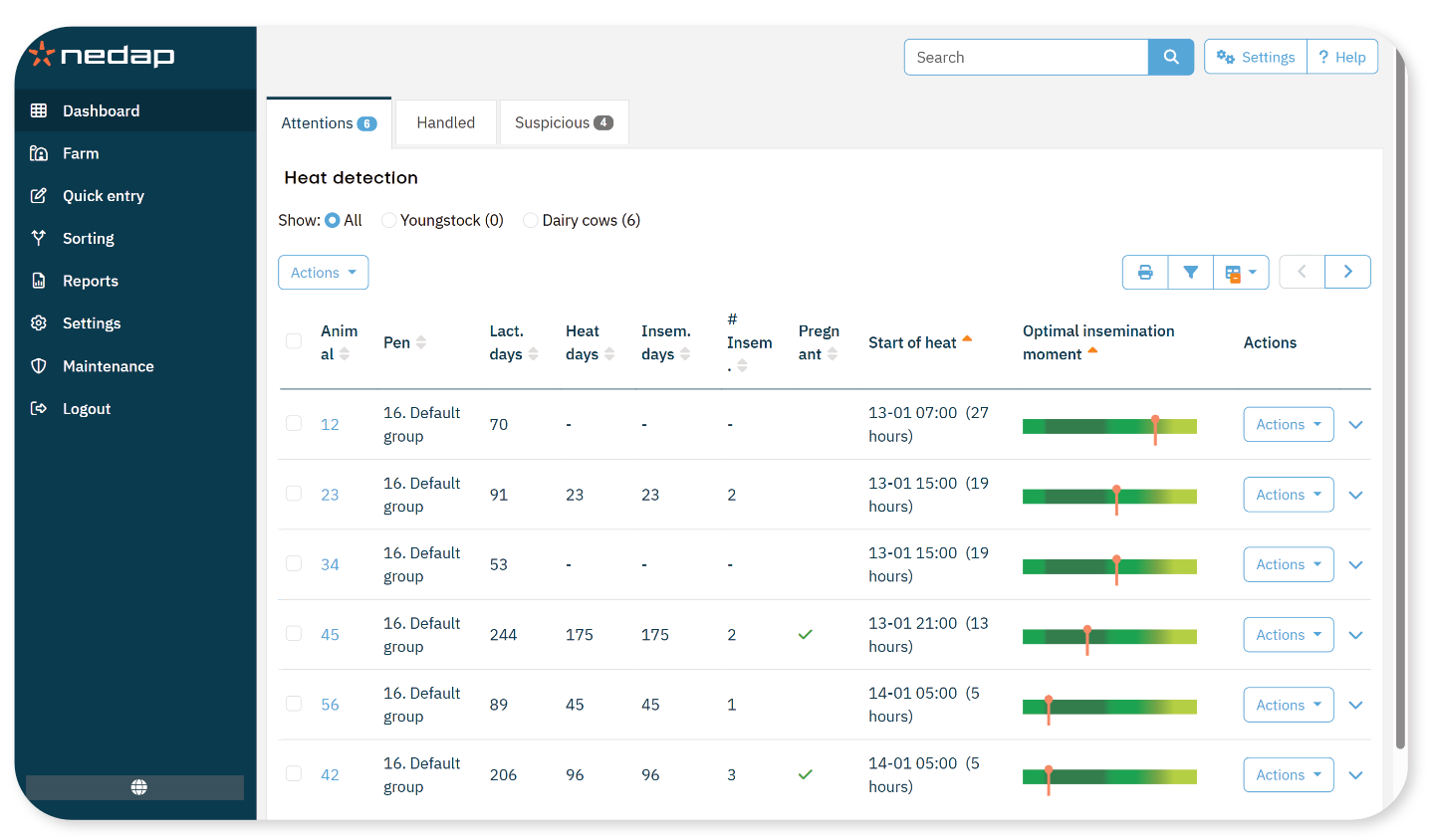
Available actions
You can perform actions for one animal or for multiple animals at once.
To apply an action to one animal, select Actions in that animal’s row.
To apply an action to multiple animals, select the animals and then select Actions in the upper-left corner.
Individual actions offer more options than bulk actions.
- Seen: Mark the animal as seen when you plan to inseminate her and enter the insemination date in your management software.
- Quick entry: Enter the same data for multiple animals at once.
- No heat: Mark the animal when she is not in heat.
- In heat: Mark the animal when she is in heat and you do not plan to inseminate her.
- Inseminate: Select this option if you inseminate the animal and do not use other management software. Velos automatically records today’s date as the insemination date.
- Keep open: Indicate that the animal should not be inseminated again.
- View on map (Cow Positioning license required): View the animal’s location in the barn.
Handled
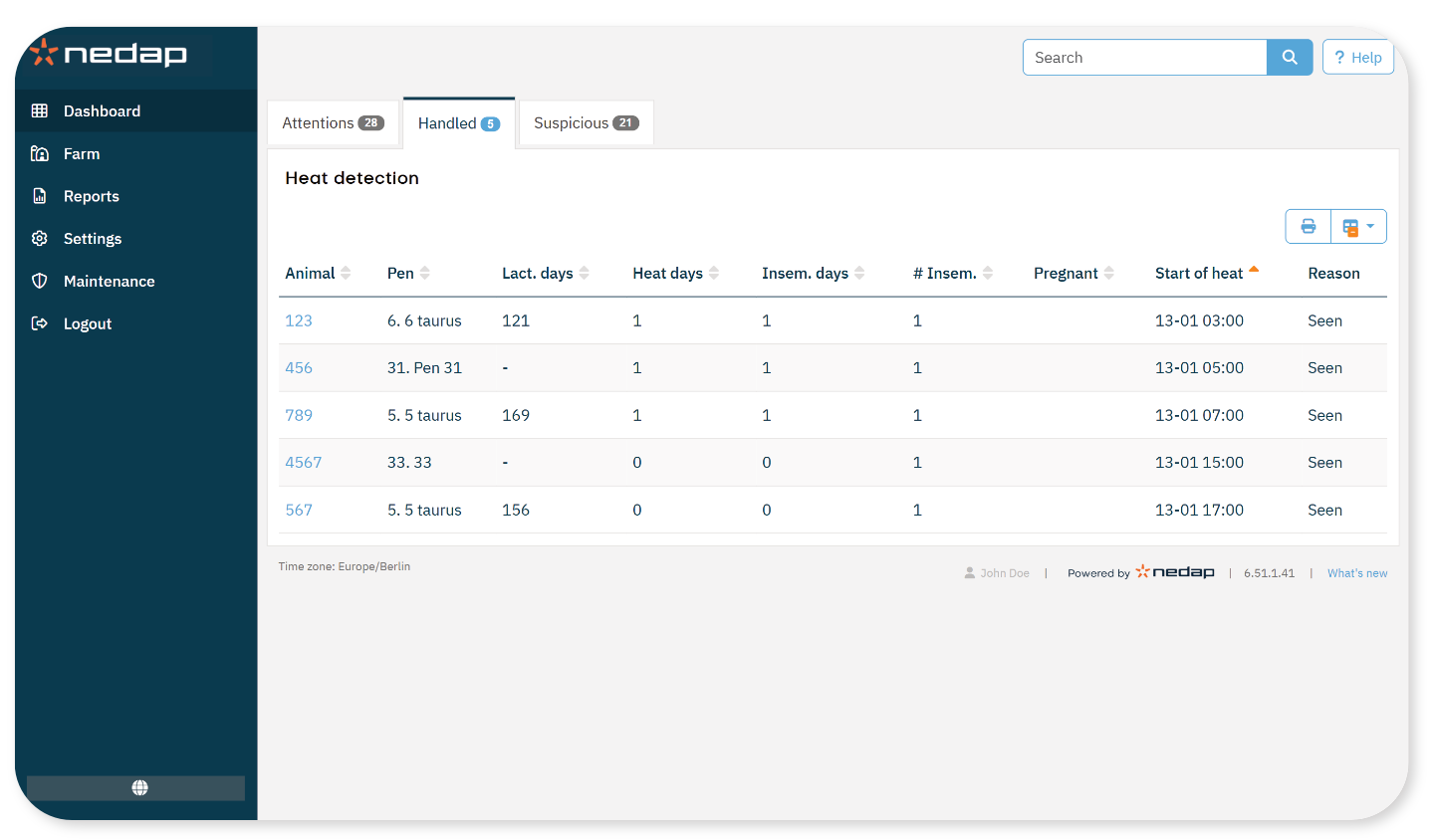
This tab shows a list of animals that have been handled on the Attentions tab. You can select one or more animals and apply an action.
- Move to Attentions: Move the animal back to the Attentions tab if it was handled by mistake.
- Quick entry: Enter the same data for multiple animals at once.
- View on map (Cow Positioning license required): View the selected animals in the barn.
Suspicious
This tab shows animals that are likely to come into heat. You can select one or more animals and apply an action.
- Quick entry: Enter the same data for multiple animals at once.
- View on map (Cow Positioning license required): View the selected animals in the barn.